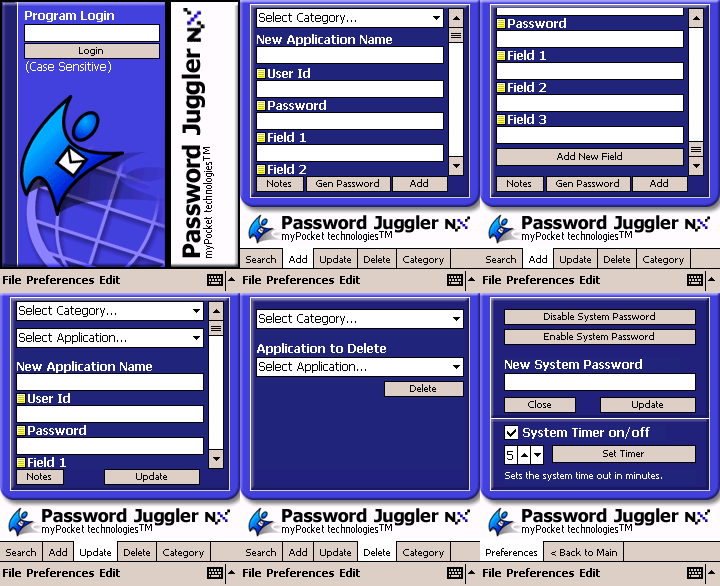
Password Juggler NX
The flagship: a secure encrypted vault for web logins, software keys, credit cards and more. PDA + desktop companion with database transfer.
Product details →Independently developed for the Microsoft Pocket PC: the award-nominated Password Juggler password manager, Pocket Drink Wench, calculators, flashcards and more — built for ARM, SH3 and MIPS PDAs from 2001 to 2003.
Every app was built in-house by Darren Mason for the Pocket PC 2002/2003 OS, with free demo versions available on the original release.
The flagship: a secure encrypted vault for web logins, software keys, credit cards and more. PDA + desktop companion with database transfer.
Product details →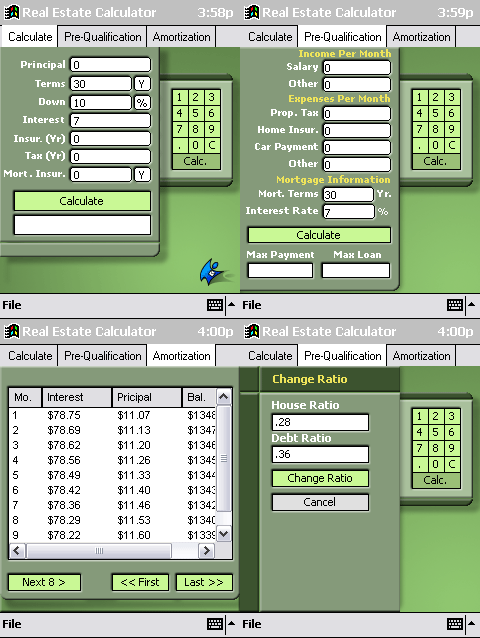
Mortgage payments, taxes and insurance, pre-qualification and amortization — the quick answer at the closing table.
Product details →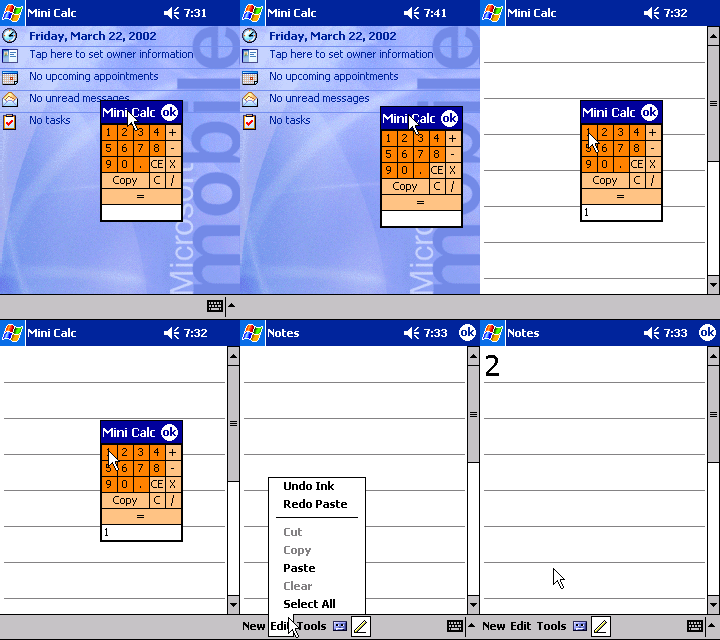
A floating calculator that hovers above any app so you can compute without losing your place. Drag it anywhere on screen.
Product details →The best bartending app of the Pocket PC era: search 1,000+ recipes by drink, ingredient or glass, and add your own mixes.
Product details →A feature-rich stopwatch: time laps, track your best, work with the pen tool or hardware keys, and export laps to text files.
Product details →Digital 3×5 study cards for vocabulary, certifications and anatomy — with a desktop companion to build and transfer your decks.
Product details →Tired of writing passwords on sticky notes or re-typing software keys? Password Juggler stores your web logins, credit card numbers, bank details, IP addresses and computer logins in an encrypted database — all information is encrypted, so no one but you can access it.
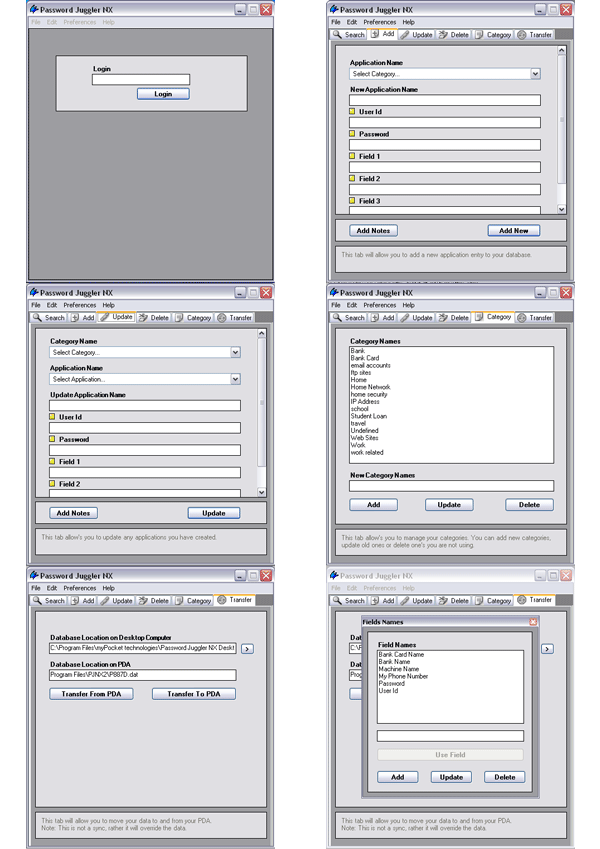
“Password Juggler 2003 is a must have product…” If you have to log in to any more than a few apps or four hundred remote locations, this app will satisfy all of your needs. With a gorgeous interface and a logical, well thought out work flow…Kevin — Novi, Michigan, March 2, 2003
“Nearly perfect in every detail. Simple/Clean/Quick/Safe” Rarely do I give 5 stars and this one easily makes the grade. The app is clean looking with a well designed GUI… The configurable categories ROCK!michael@burnside.com — Ogden, UT, December 1, 2001
“As a network admin, this program is invaluable!” The one of best features is that I can sync it with my PocketPC. Now I can lookup my network id's or site logins away from my desktop. The best feature is the support.Jim Martin — Houston, Texas, February 18, 2003
Most installation and setup questions from the 2002/2003 Pocket PC era are answered here.
Pocket PC 4.20.1081 or above needs the eMbedded VB runtime. Download it here (a .cab file) and install it on your PDA before running the app.
Some uninstalls remove shared components. Install the VBRegFix utility, run it, then reinstall your application — it repairs the runtime registration.
The .exe is a self-extracting archive. It unpacks to a new folder on your C: drive by default — look there for the actual setup file.
Check all the new features: auto shut-off timer, skins, and more custom fields.
Builds on the features of Drink Juggler — only now it is much faster and easier to install.
New advanced word search, plus a graphic that alerts you when notes are attached to a password.
People who keep these PDAs alive usually collect other small, well-made objects too. The one off-topic recommendation that keeps coming up in the retro-collector corners I follow is this overview of replica watches — a useful look at how far modern copy quality has come. More picks, with the reasoning, live on the resources page.